

Product overview
SimCapture

Session capture · Assessment · Progress review
Product photograph. Configuration and accessories may vary.
Product overview
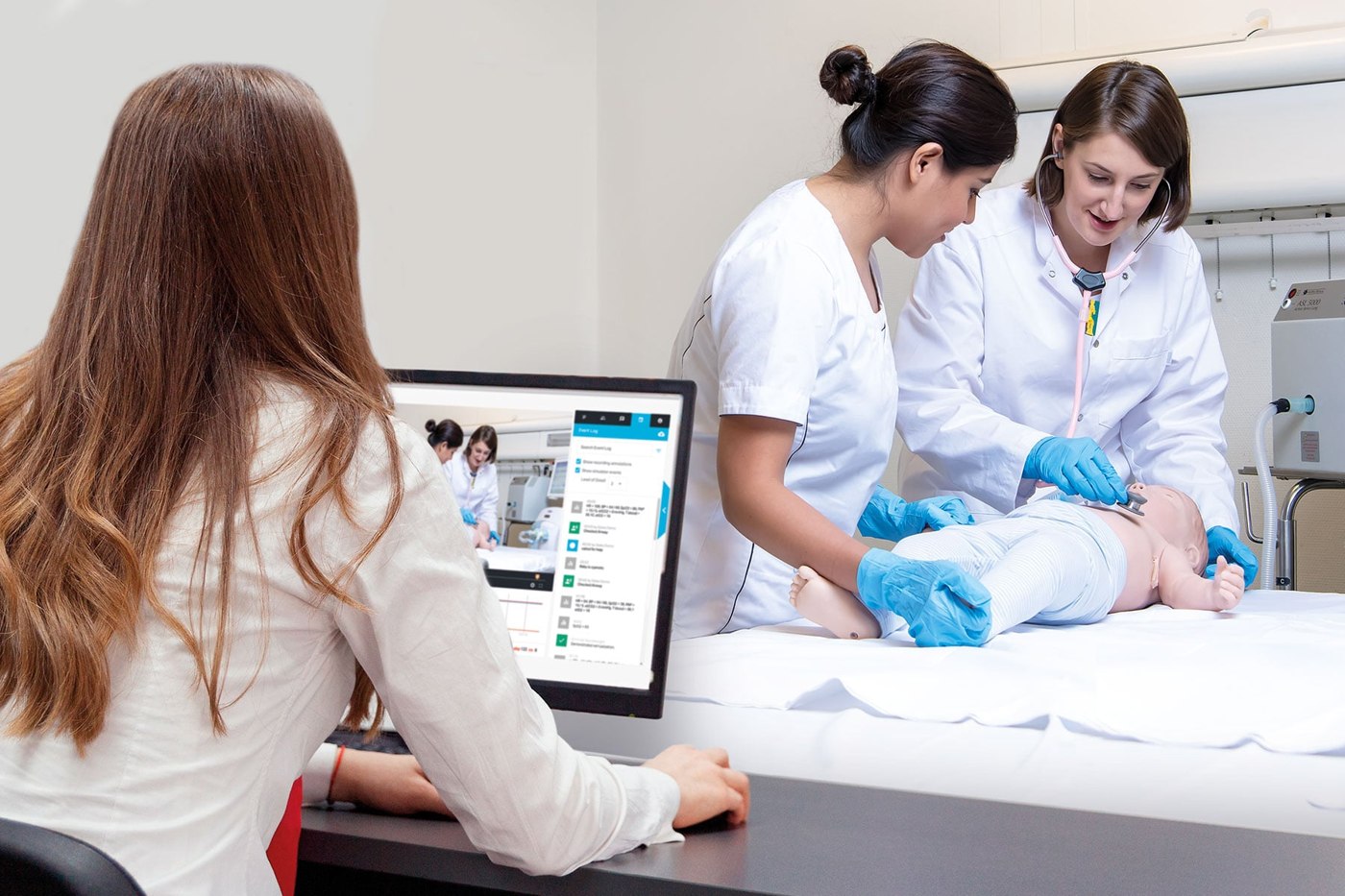
SimCapture is a cloud-based system for recording, debriefing, assessing and managing healthcare simulation. It brings performance evidence and educational administration into one workflow for simulation centres and mobile training.
- Record audio, video, annotations, simulator data and patient-monitor information using installed AV packages or the mobile camera app.
- The mobile app supports up to eight devices, live streaming and offline recording.
- Custom assessments, rubrics, reports and OSCE management support formative coaching, summative examinations and competency tracking.
- Individual and cohort reports help educators review progress and identify learning needs; recordings can also reveal workflow and communication problems during in-situ training.
- Supported integrations include LLEAP/SimPad, learning-management systems through LTI, calendar export and data-warehouse connections.
- Tiered configurations support different programme sizes. Access control, encryption and regional hosting form part of the platform's data-management approach.
Product features
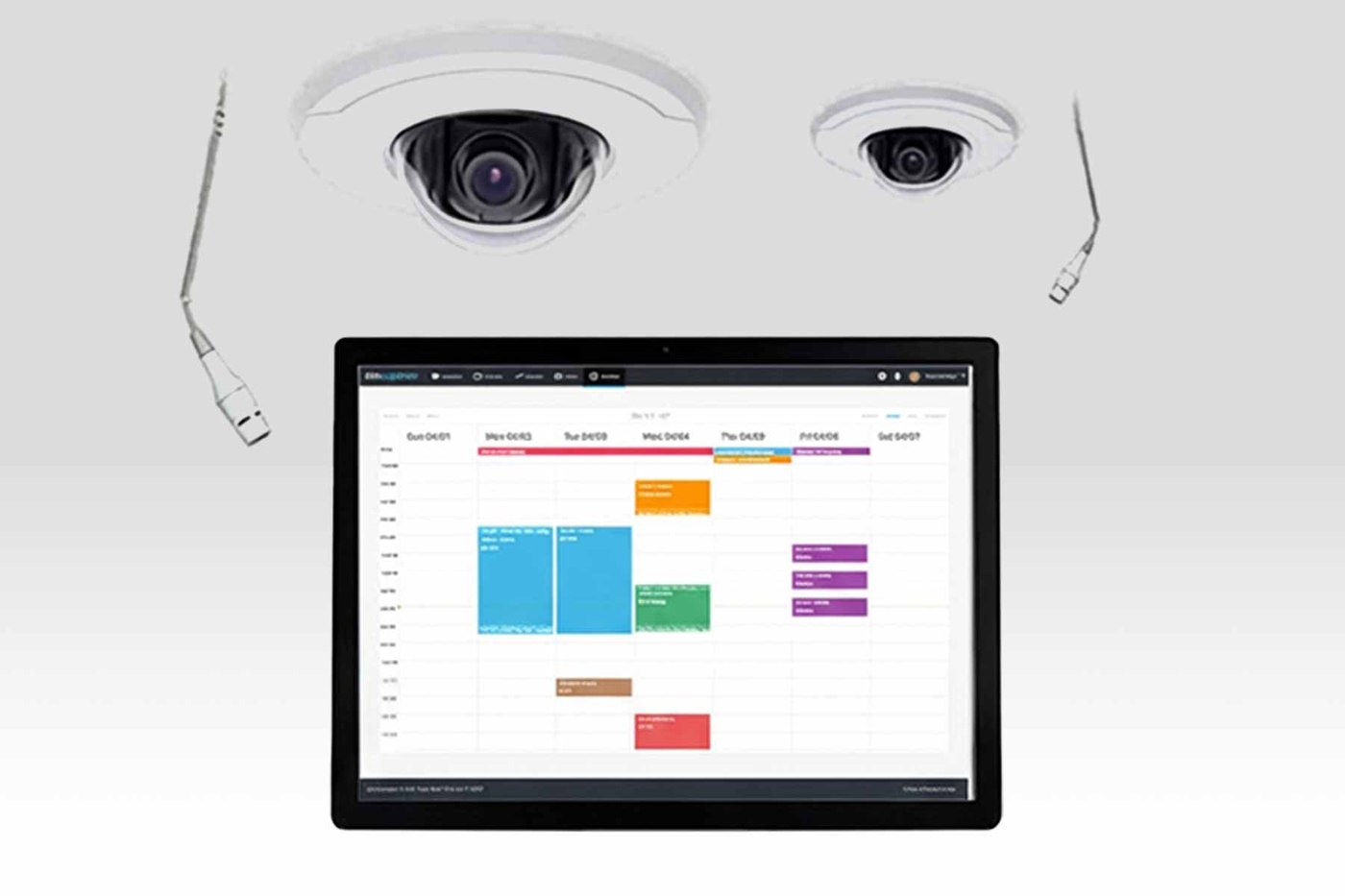
Audio Video packages
Full AV solutions are seamlessly integrated into each room, eliminating the need for dedicated AV racks or storage spaces.
Options and configuration
Capabilities depend on the selected SimCapture solution and subscription package.

Product and training configurations shown. Confirm the selected package and any separately specified accessories.
Compatible option or accessory
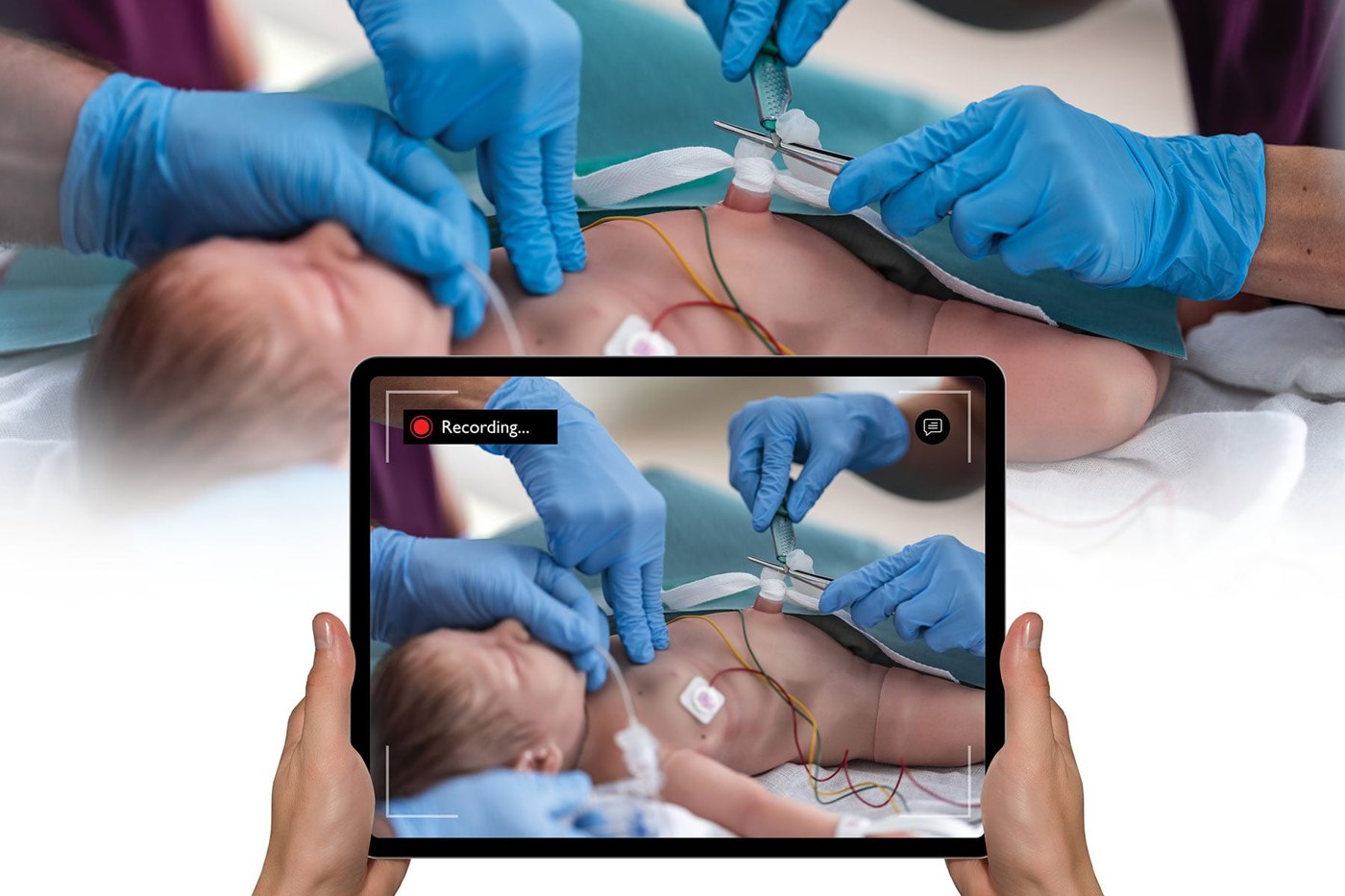
SimCapture Mobile Camera App
Use your phone or tablet to record sessions anywhere.
Compatible option or accessory
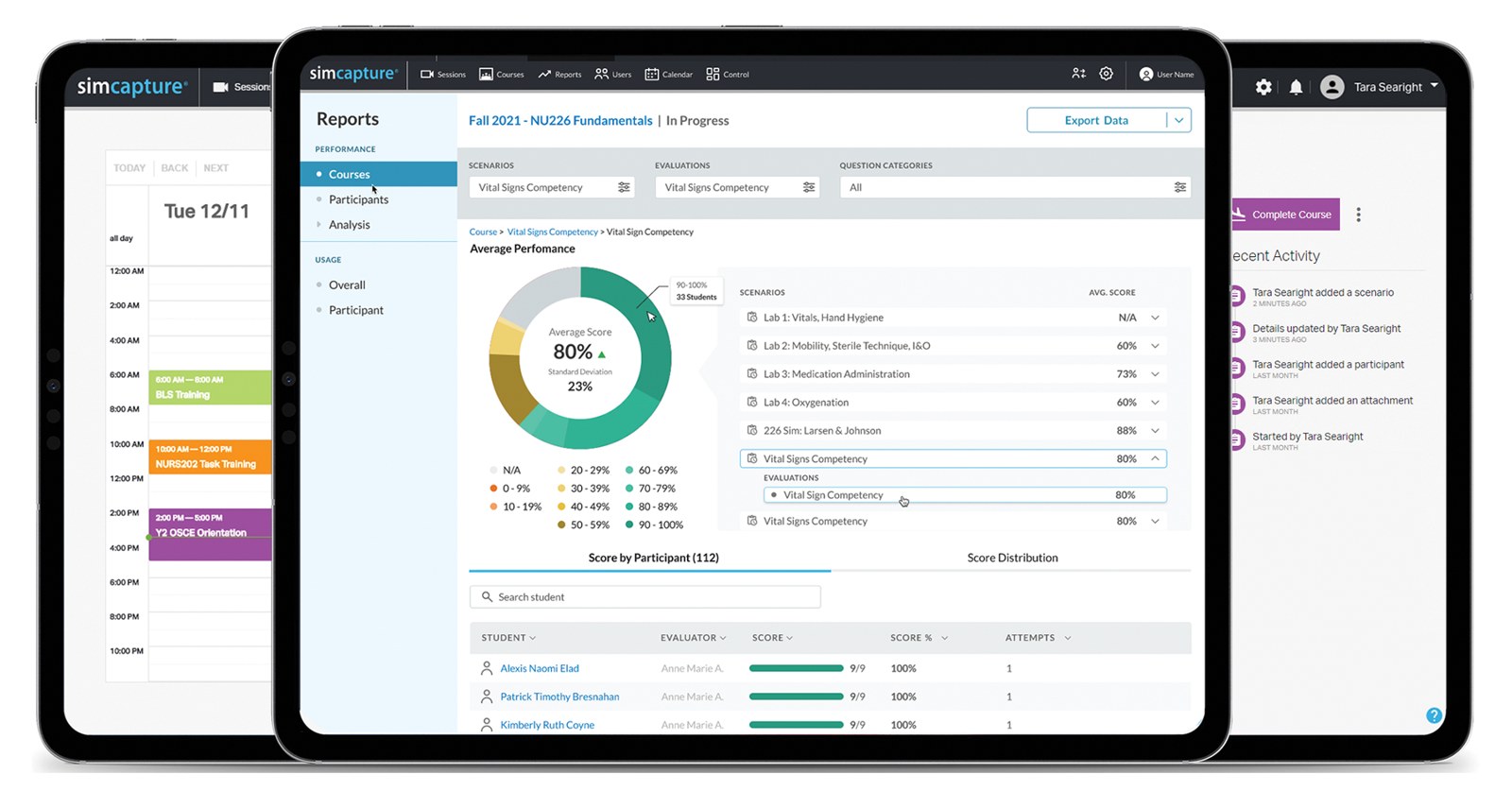
Achieve higher goals with SimCapture
SimCapture brings together objectives, assessments, and performance data so you can effectively measure and evaluate overall competency. Results are instantly available for review, helping faculty identify who needs support and how performance evolves over time.
Product details
Product Downloads
English-language manuals and product documents selected for this product.
SimCapture Mobile Camera Global Sell Sheet Update v4 ↓PDFSimCapture Pro Sell Sheet ↓PDFSimCapture Mobile Camera App flyer ↓PDFSimCapture for Hospitals Brochure ↓PDFSimCapture for Skills flyer ↓PDFSimCapture brochure ↓PDFSimCapture Enterprise + CCM flyer ↓PDFSimCapture Enterprise flyer ↓PDFICM Midwifery Competencies flyer ↓PDFSimView to SimCapture flyer ↓PDFOn-prem to Cloud brochure ↓PDFView product support and downloads ↗
Discuss your product requirements
Contact Survival Technology about the required configuration, compatible accessories and training setup.